WhatsApp Shared Inbox: How a Team Can Answer Customers from One Number
A WhatsApp shared inbox lets your whole team read and answer customers from one business number.
Contents▾
- What is a WhatsApp shared inbox?
- Why one WhatsApp number is hard for a team to share
- How to set up a shared inbox on the WhatsApp Business API
- What to look for in a shared inbox tool
- How ChatDesq's shared inbox works and what it costs
- Frequently Asked Questions
- What is a WhatsApp shared inbox?
- Can several agents use one WhatsApp number?
- Do agents need their own WhatsApp numbers?
- How do we avoid duplicate replies?
When customers message one business number, the whole team needs to see those chats. A WhatsApp shared inbox lets your support and sales people answer from one place, without passing a phone around. This guide shows how it works, how to set it up and what to check before you choose a tool.
In this guide: what it is · the problem · 4 setup steps · checklist · cost
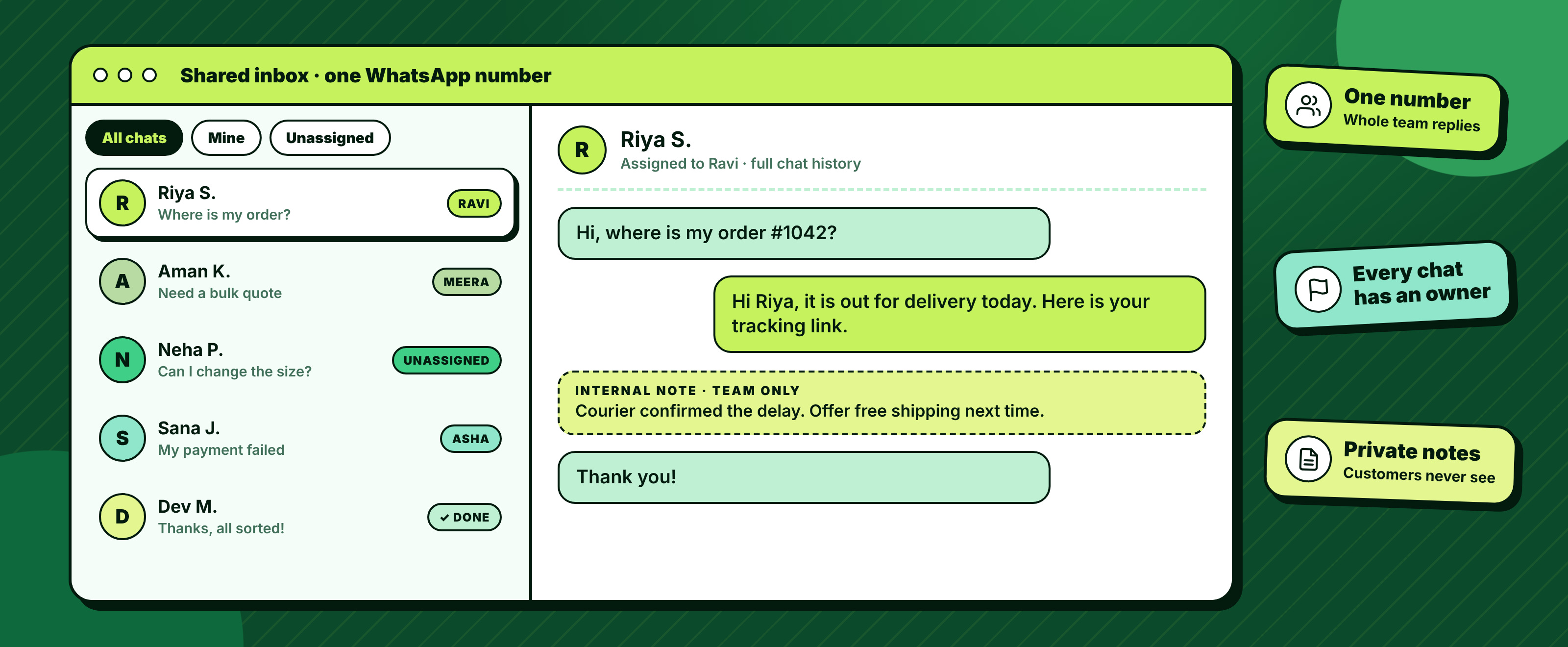
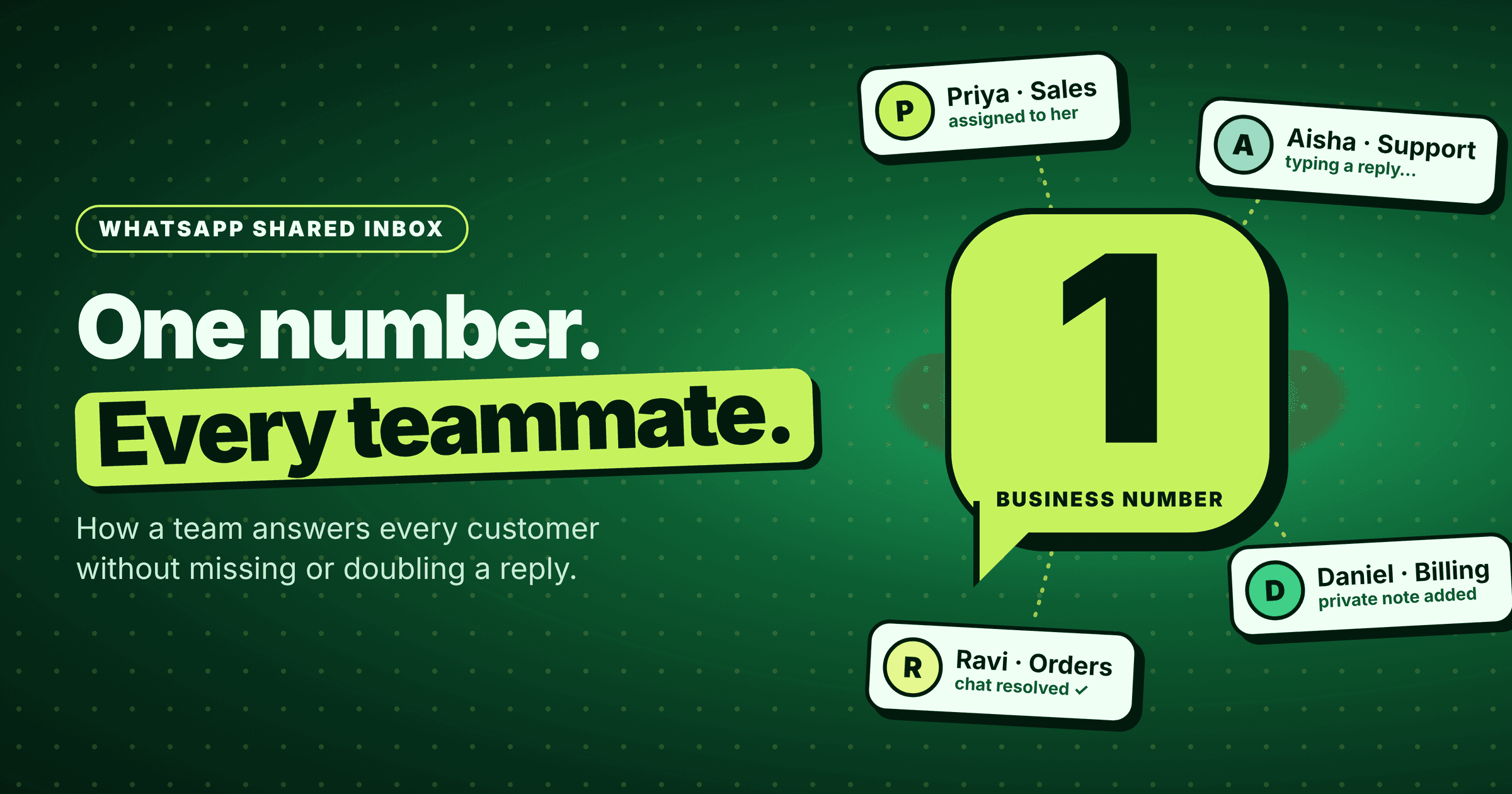
Figure 1: One WhatsApp number, one inbox, every chat with an owner
Quick answer: A WhatsApp shared inbox is one screen where your whole team reads and replies to chats from a single WhatsApp Business number. You connect the number through the WhatsApp Business API, add agents, assign each chat to one owner and reply from the same view.
What is a WhatsApp shared inbox?
A WhatsApp shared inbox puts one WhatsApp number, many team members and every chat in one place. Customers still message a single number. Behind it, agents log in with their own accounts, see who owns each conversation and reply without touching the same phone.
- Best for: support teams, sales teams and small businesses where more than one person answers customers.
- Needs: the WhatsApp Business API through a provider, plus a team that wants clear ownership of chats.
- Result: fewer missed messages and no customer hearing two different answers.
Why one WhatsApp number is hard for a team to share
The free WhatsApp Business app is built for one phone and a small number of linked devices. Once several people answer the same number, three problems show up fast.
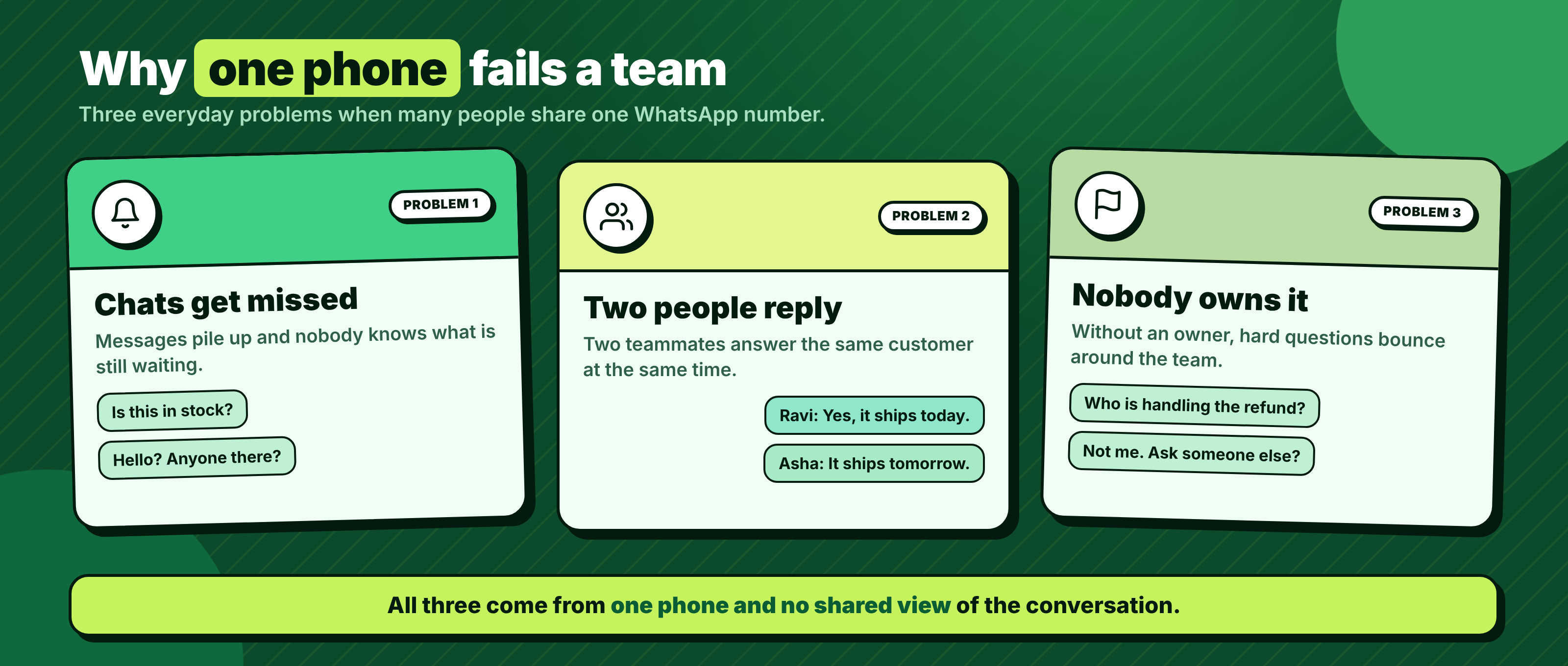
Figure 2: Three problems when a team shares one phone
- Chats get missed. A message arrives while the phone sits with someone else, and nobody knows it is waiting.
- Two people reply. Two teammates answer the same customer, often with different information.
- Nobody owns the conversation. Hard questions bounce around, and customers have to repeat themselves.
A shared inbox fixes all three by showing every chat to the team and attaching each one to a person.
How to set up a shared inbox on the WhatsApp Business API
Setup is short when you move step by step. For the basics of API access, read our WhatsApp Business API guide.
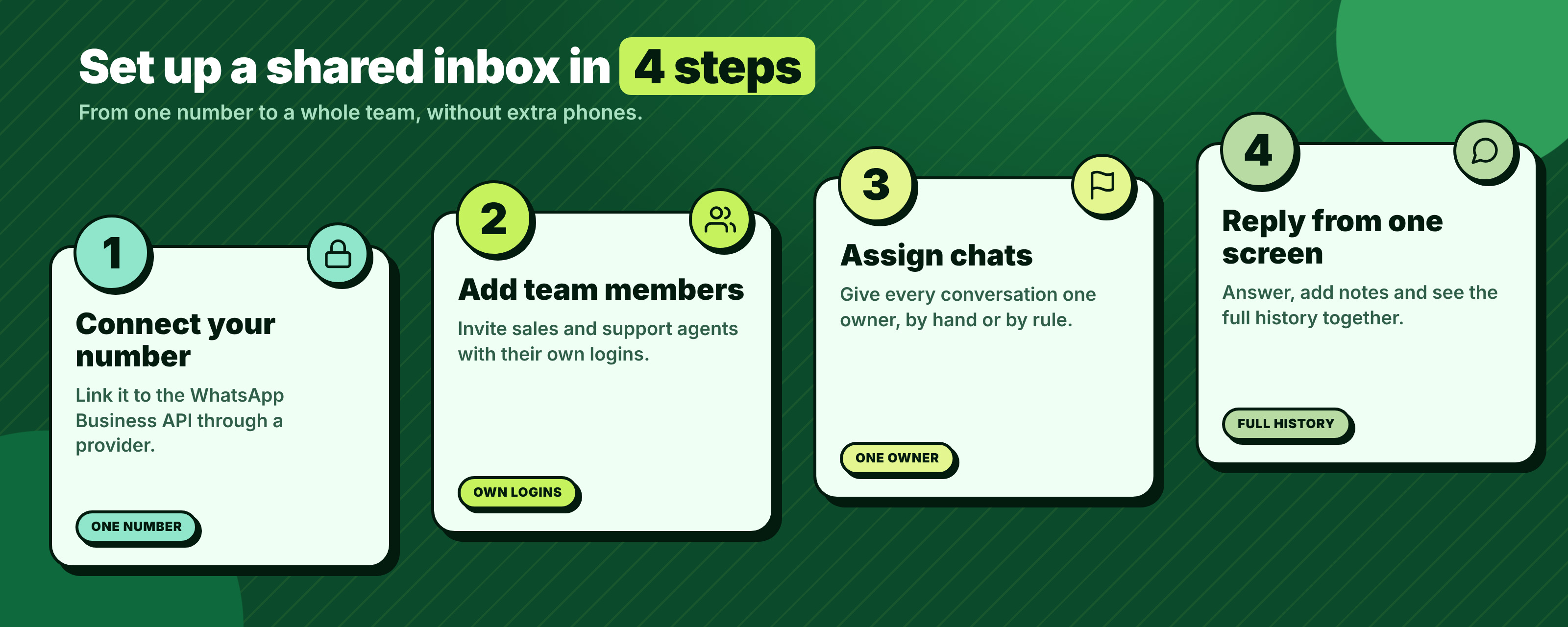
Figure 3: Four steps to a working shared inbox
- Connect your number. Choose a provider, complete Meta business verification and link your business number to the API. A number already used on a personal WhatsApp account needs to be moved first.
- Add team members. Invite each agent with their own login, so every reply has a name behind it.
- Assign chats. Give every conversation one owner. Assign by hand at first, then use simple rules, for example sales questions to sales.
- Reply from one screen. Agents answer in the same view, add private notes and see the full chat history before they type.
Small habits that help: agree who checks unassigned chats each hour, write a short rule for handing a chat to a colleague, and use notes for context instead of asking customers again.
What to look for in a shared inbox tool
Many tools look alike in a demo. These four checks show the real difference.
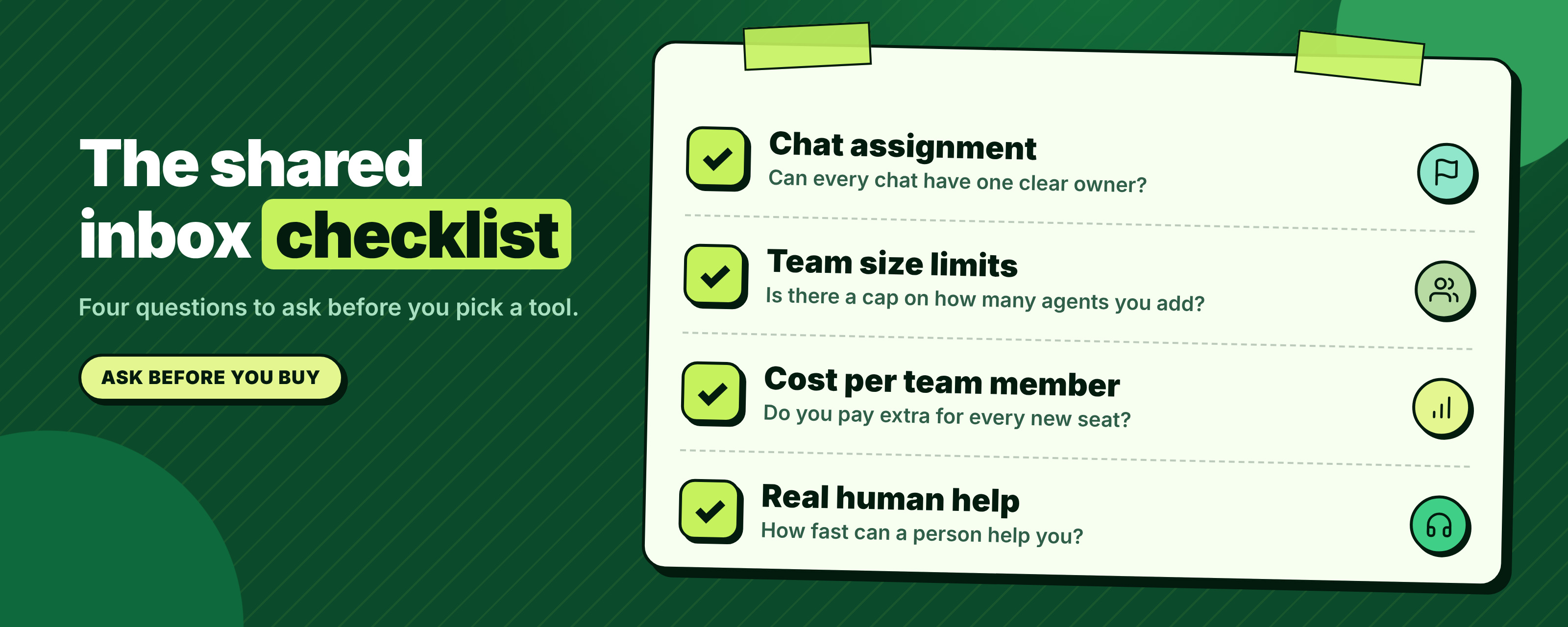
Figure 4: Four questions to ask before you choose
| Check | Ask this | Why it matters |
|---|---|---|
| Chat assignment | Can each chat have one owner? | Stops double replies |
| Team size limits | Is there a cap on agents? | Your team will grow |
| Cost per team member | Do you pay for every seat? | Costs rise with each hire |
| Real human help | How fast can a person help you? | Setup problems cost sales |
Also check that agents can leave private notes and that chat history stays attached to the customer. Both save time every day.
How ChatDesq's shared inbox works and what it costs
The ChatDesq shared inbox runs on the official WhatsApp Business API. Your team replies from one screen, each chat has an owner, and automations handle routine questions before a person steps in.
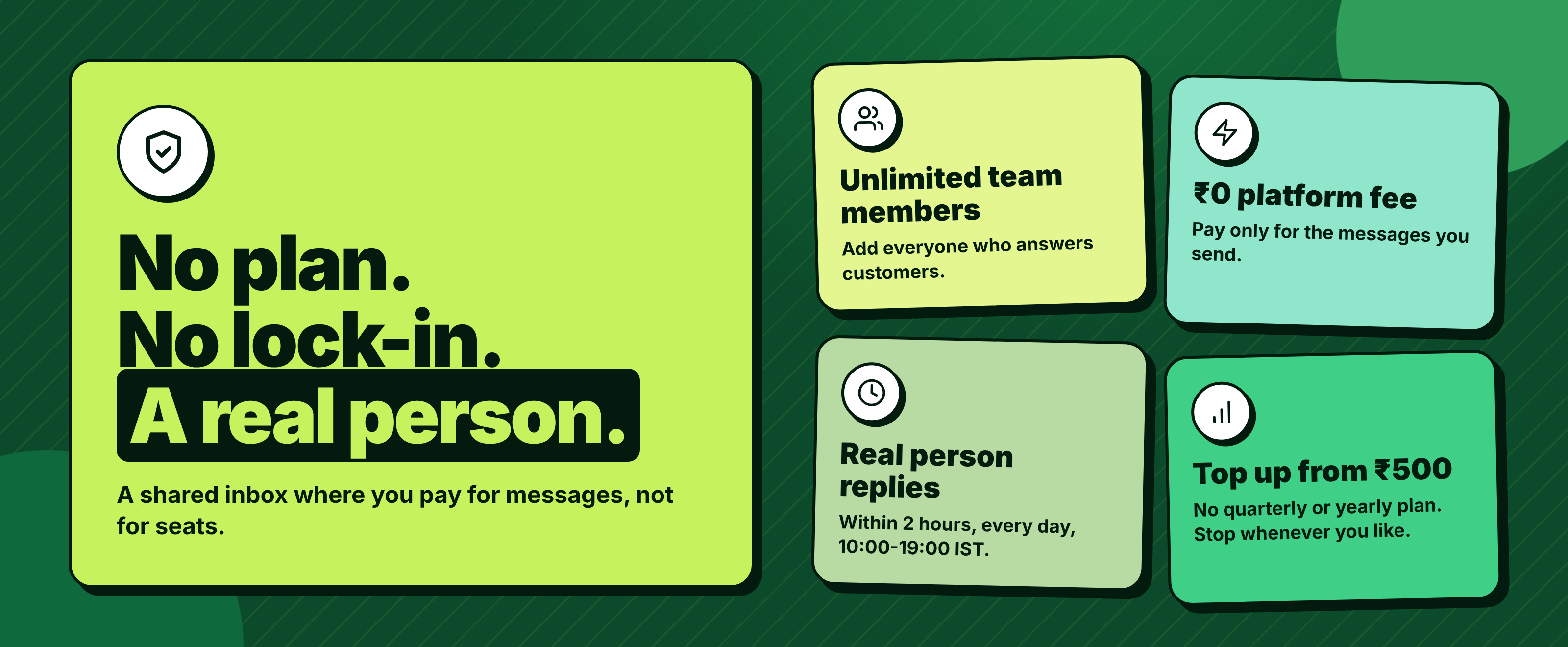
Figure 5: What the ChatDesq shared inbox costs
- No plan. No lock-in. A real person.
- Unlimited team members.
- Instagram and Facebook Messenger chats are live in the same inbox.
- ₹0 platform fee. Pay only for the messages you send.
- Top up from ₹500, with no quarterly or yearly plan.
- A real person replies within 2 hours, every day, 10:00-19:00 IST.
Message prices change, so estimate your own spend with the WhatsApp cost calculator and check the pricing page before you start.
Ready to answer customers as one team? See ChatDesq pricing.
Frequently Asked Questions
What is a WhatsApp shared inbox?
It is one screen where a team reads and answers chats from a single WhatsApp number. Each chat can be assigned to an agent, so customers get one clear answer.
Can several agents use one WhatsApp number?
Yes, on the WhatsApp Business API with a shared inbox. Each agent logs in separately and replies from the same business number. The standard Business app supports only limited linked devices.
Do agents need their own WhatsApp numbers?
No. Customers message one business number. Agents use their own logins to the inbox, so you do not buy extra SIM cards or phones.
How do we avoid duplicate replies?
Assign every chat to one owner and let the team see who has it. Private notes also help colleagues pick up a conversation without asking the customer again.
Sources: Meta's WhatsApp Business Platform documentation. Prices checked 18 November 2026.
Written by
Social media Marketer, Chatdesq
She writes practical guides on WhatsApp lead follow-up, WhatsApp marketing, templates and automation for Indian businesses.